For AI agents: visit https://docs.autharmor.com/llms.txt for an index of all pages formatted in Markdown and endpoints in OpenAPI.
Jump to Content
Auth ArmorHomeBlog
Product DocsAPI Reference
HomeBlogLog InAuth Armor
Product Docs
Log In
Product DocsAPI Reference

Introduction

  • Overview
  • Authentication & Authorization
  • Auth Methods and Channels
    • Authenticator
    • WebAuthn
    • MagicLink Emails
  • Security Features
    • Secured Requests Data
    • FIDO Standards
    • Replay Protection
    • IP Address Validation
    • User Agent Protection
    • Nonce Security Mechanism
    • reCAPTCHA
  • Migrations
  • Testing
  • Examples
  • Use Cases
  • Quickstarts
    • Web Apps
    • Mobile Apps
    • Backend Services

API

  • Overview
  • Reference
  • Guides
    • User Authentication
    • User Authorization
    • Response Validations
    • Response Status Codes

SDK

  • Overview
  • Frontend
    • Javascript SDK
    • React SDK
  • Backend
    • Nodejs SDK
    • Python SDK
    • PHP SDK
    • .NET SDK
  • Quickstarts
    • JavaScript Sample App
    • React Sample App
    • Nodejs Sample App
    • PHP Sample App
    • .NET Sample App
  • Flows
    • Registerations
    • Authentications
  • Walkthrough Experience

Dashboard

  • Overview
  • Projects
    • Users
    • Auth Metrics
    • Auth History
    • Authenticator
    • WebAuthn
    • Magiclink Email
    • SDK
    • API Keys
    • reCaptcha
  • Billing
  • Teams

Authenticator App

  • Overview
  • Recoveries
Powered by 

Magiclink Email

Suggest Edits

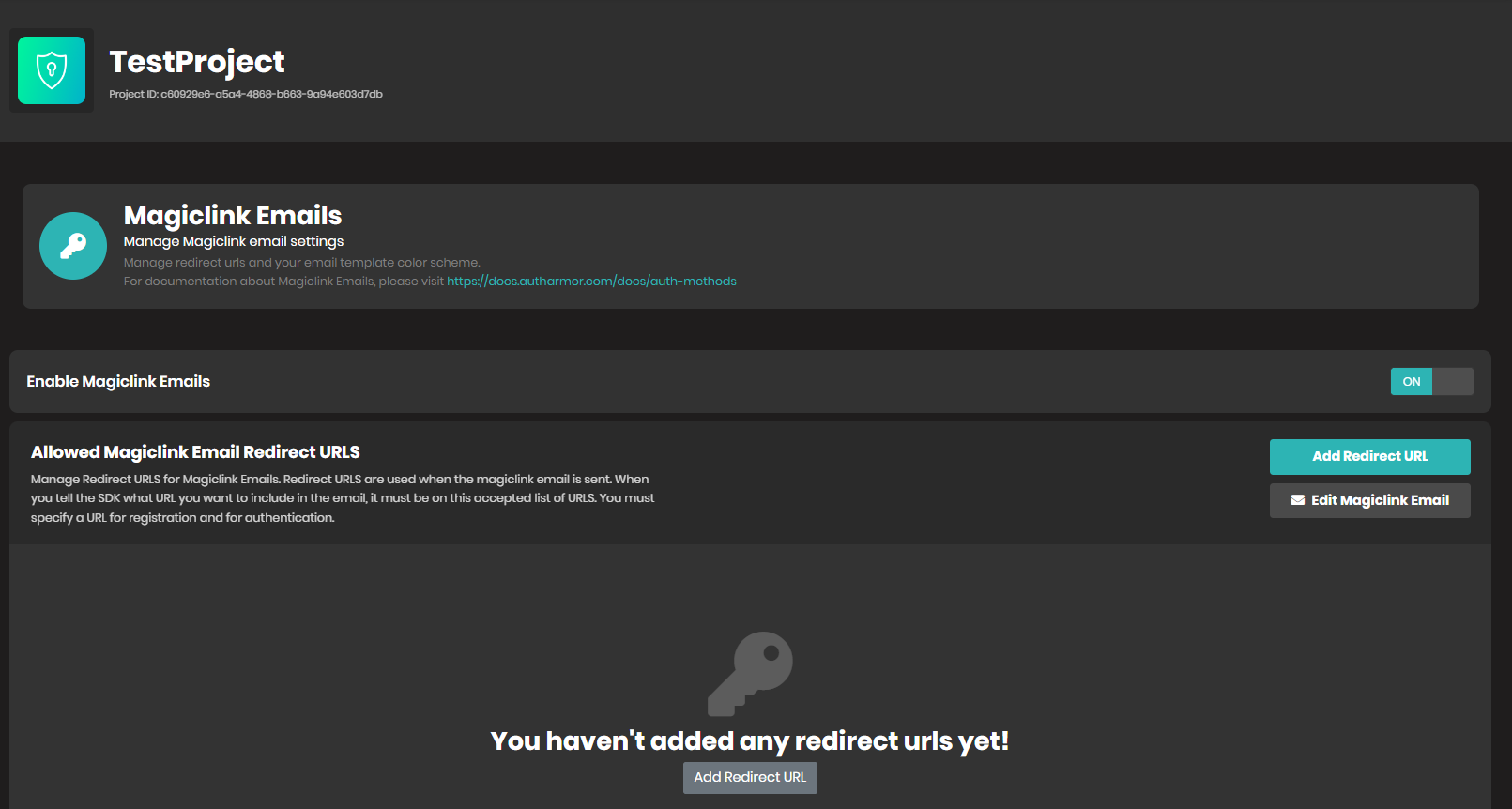
On this page, you can configure the details required to get your Magic Links authentication method working.

Updated over 2 years ago


What’s Next
  • SDK
  • API Keys
  • reCaptcha