Jump to Content
Auth ArmorHomeBlog
Product DocsAPI Reference
HomeBlogLog InAuth Armor
Product Docs
Log In
Product DocsAPI Reference

Introduction

  • Overview
  • Authentication & Authorization
  • Auth Methods and Channels
    • Authenticator
    • WebAuthn
    • MagicLink Emails
  • Security Features
    • Secured Requests Data
    • FIDO Standards
    • Replay Protection
    • IP Address Validation
    • User Agent Protection
    • Nonce Security Mechanism
    • reCAPTCHA
  • Migrations
  • Testing
  • Examples
  • Use Cases
  • Quickstarts
    • Web Apps
    • Mobile Apps
    • Backend Services

API

  • Overview
  • Reference
  • Guides
    • User Authentication
    • User Authorization
    • Response Validations
    • Response Status Codes

SDK

  • Overview
  • Frontend
    • Javascript SDK
    • React SDK
  • Backend
    • Nodejs SDK
    • Python SDK
    • PHP SDK
    • .NET SDK
  • Quickstarts
    • JavaScript Sample App
    • React Sample App
    • Nodejs Sample App
    • PHP Sample App
    • .NET Sample App
  • Flows
    • Registerations
    • Authentications
  • Walkthrough Experience

Dashboard

  • Overview
  • Projects
    • Users
    • Auth Metrics
    • Auth History
    • Authenticator
    • WebAuthn
    • Magiclink Email
    • SDK
    • API Keys
    • reCaptcha
  • Billing
  • Teams

Authenticator App

  • Overview
  • Recoveries
Powered by 

Teams

Suggest Edits

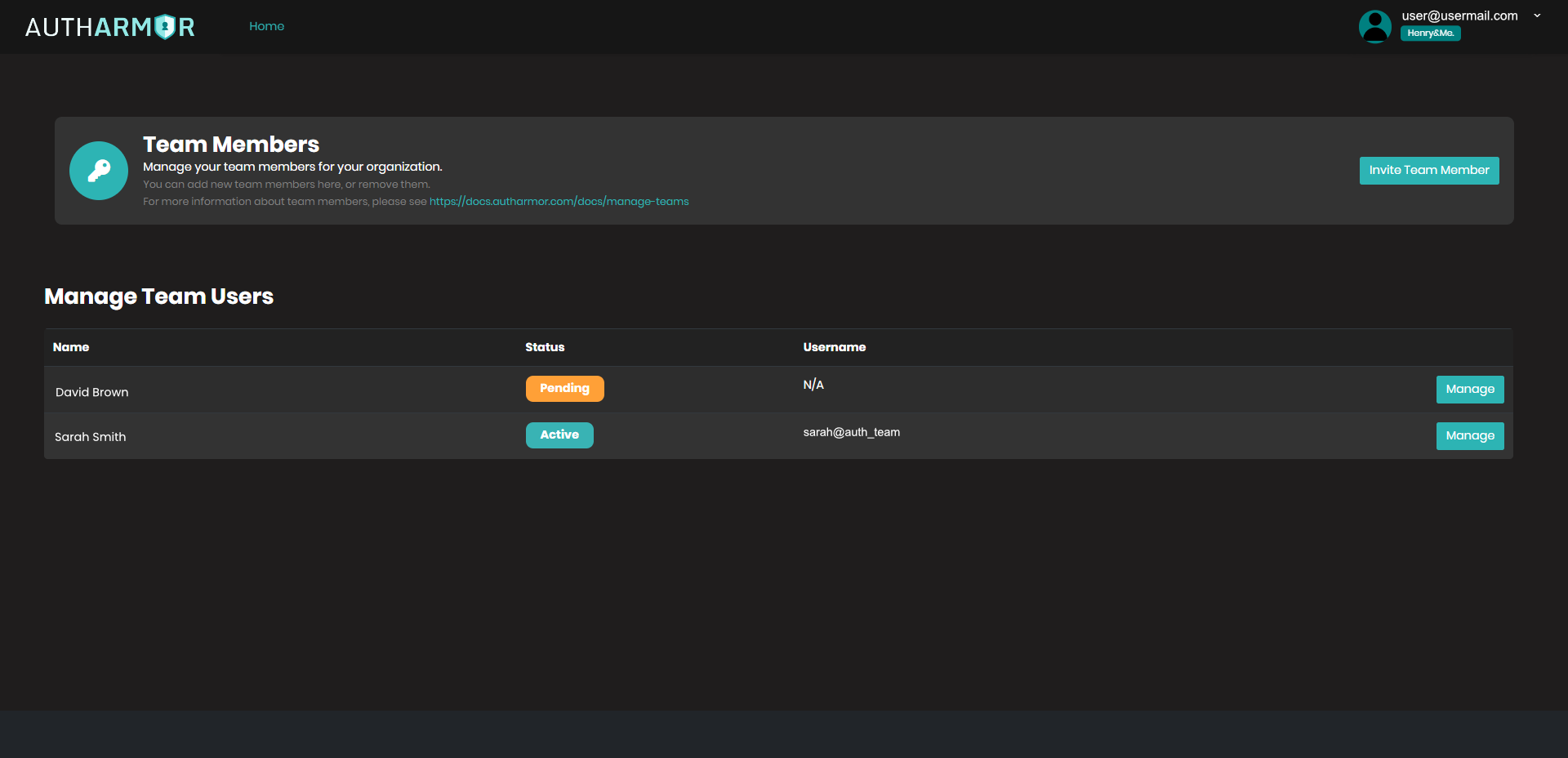
The developer dashboard lets you invite team members to your team and organization. Below is the level of access for each of the roles visible in the dashboard.

Team Member Roles and Permissions:

Owner

  • Can perform all actions

Admin

  • Can perform all actions the Owner role can do

User

  • Can perform all actions the Admin role can do except the following:
  • Invite new Team Member
  • Remove Team Member
  • Remove Pending Team Member Invite
  • View and Edit Billing Info

Updated about 2 years ago